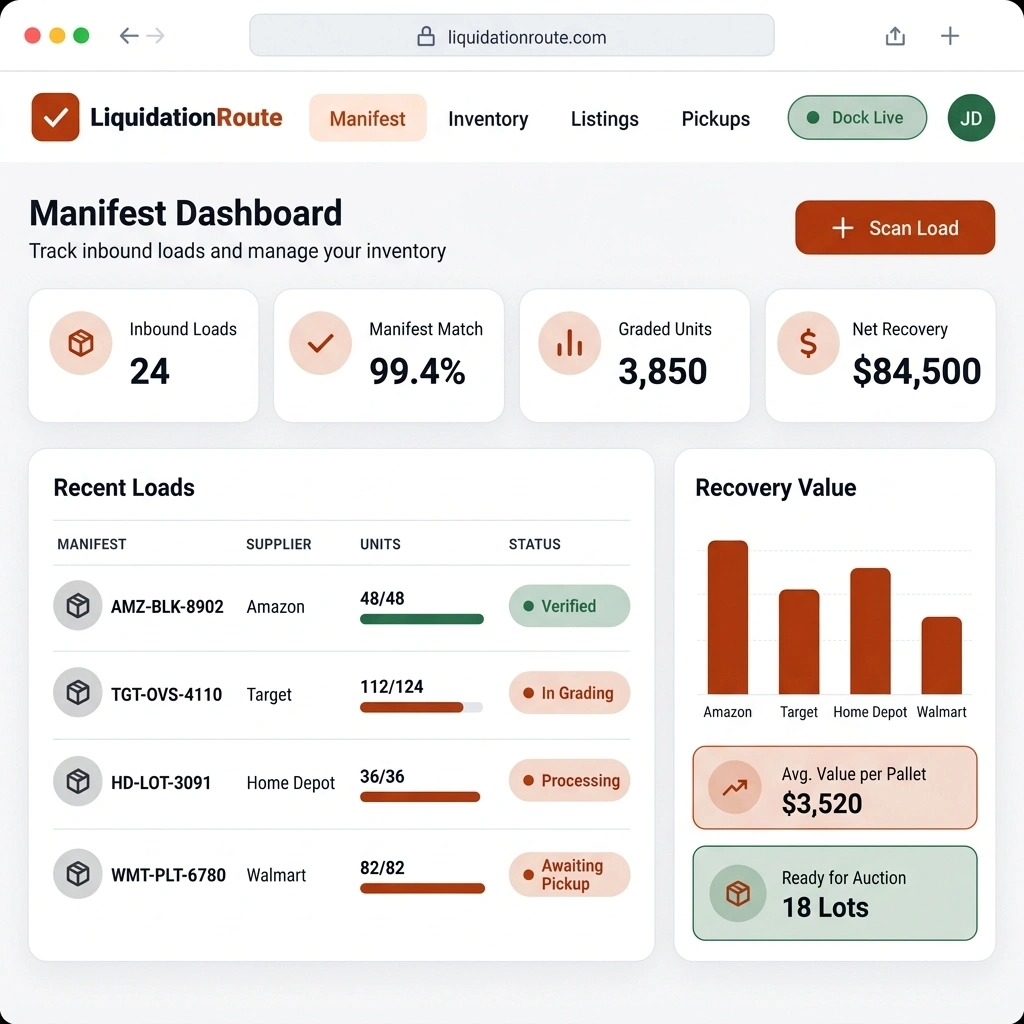
Warehouse reports
Review warehouse performance with reporting that helps you understand throughput, exceptions, and execution quality.

Go to the Dashboard from the Home section in the main navigation menu, then click on the Inventory tab.
This tab displays detailed warehouse reports and real-time inventory metrics across your facility.
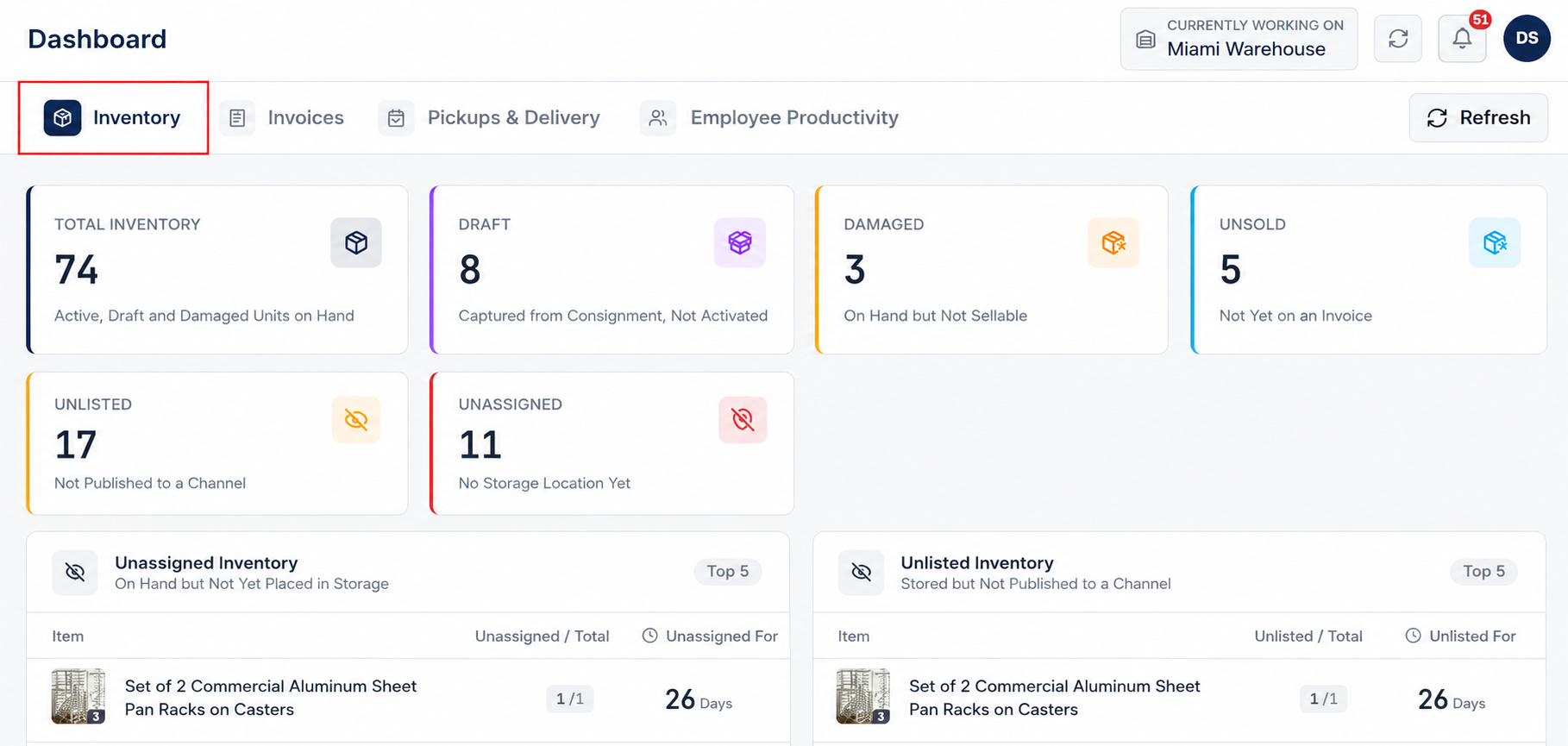
In the inventory reporting view, monitor high-level inventory counts and status summaries:
Analyze targeted reports for items requiring operational attention:
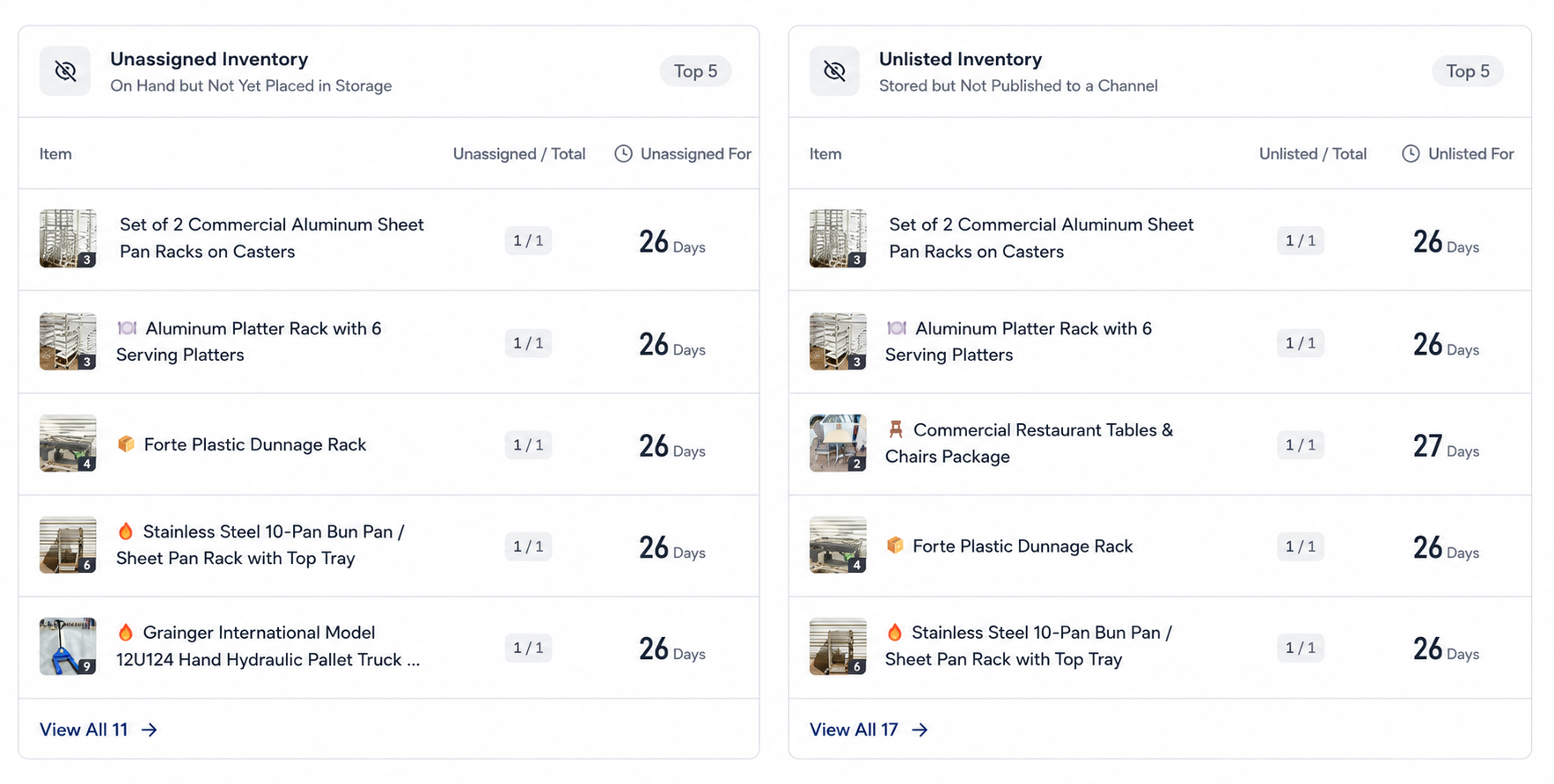
Click on any metric card, count indicator, or status report section to open the corresponding list of items or detailed count breakdowns. This allows warehouse managers to drill down instantly and resolve unassigned or unlisted inventory exceptions.
Clear answers on how this feature integrates into your daily liquidation workflow.
Counts for total inventory, draft, damaged, unsold, unlisted, and unassigned items, plus lists of items that still need a location or a listing.
Yes. Click a metric card to open the matching list. Assign a location or list the item from there.
Yes. You can export inventory, location, and valuation reports to CSV or PDF for external audits, stakeholders, or accounting reconciliation.
See the whole flow, from manifest import through grading, lot building, and buyer pickup, in a 30-minute walkthrough.