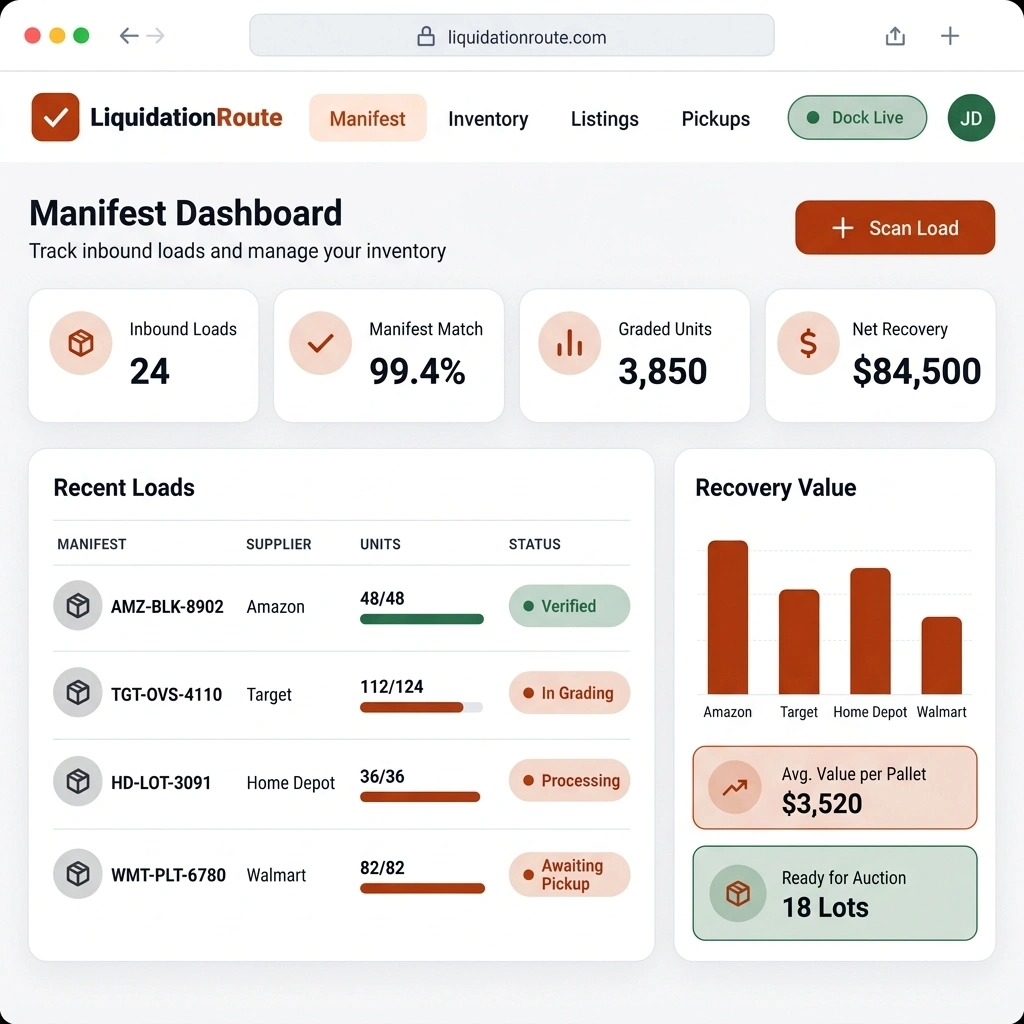
Notifications and alerts
Configure enabled simple in-app and mobile push notifications for warehouse events under administration settings.

Go to the Notification tab under the Settings page, which is located in the Administration section.
This page serves as the central hub to configure and manage all your operational notification preferences.
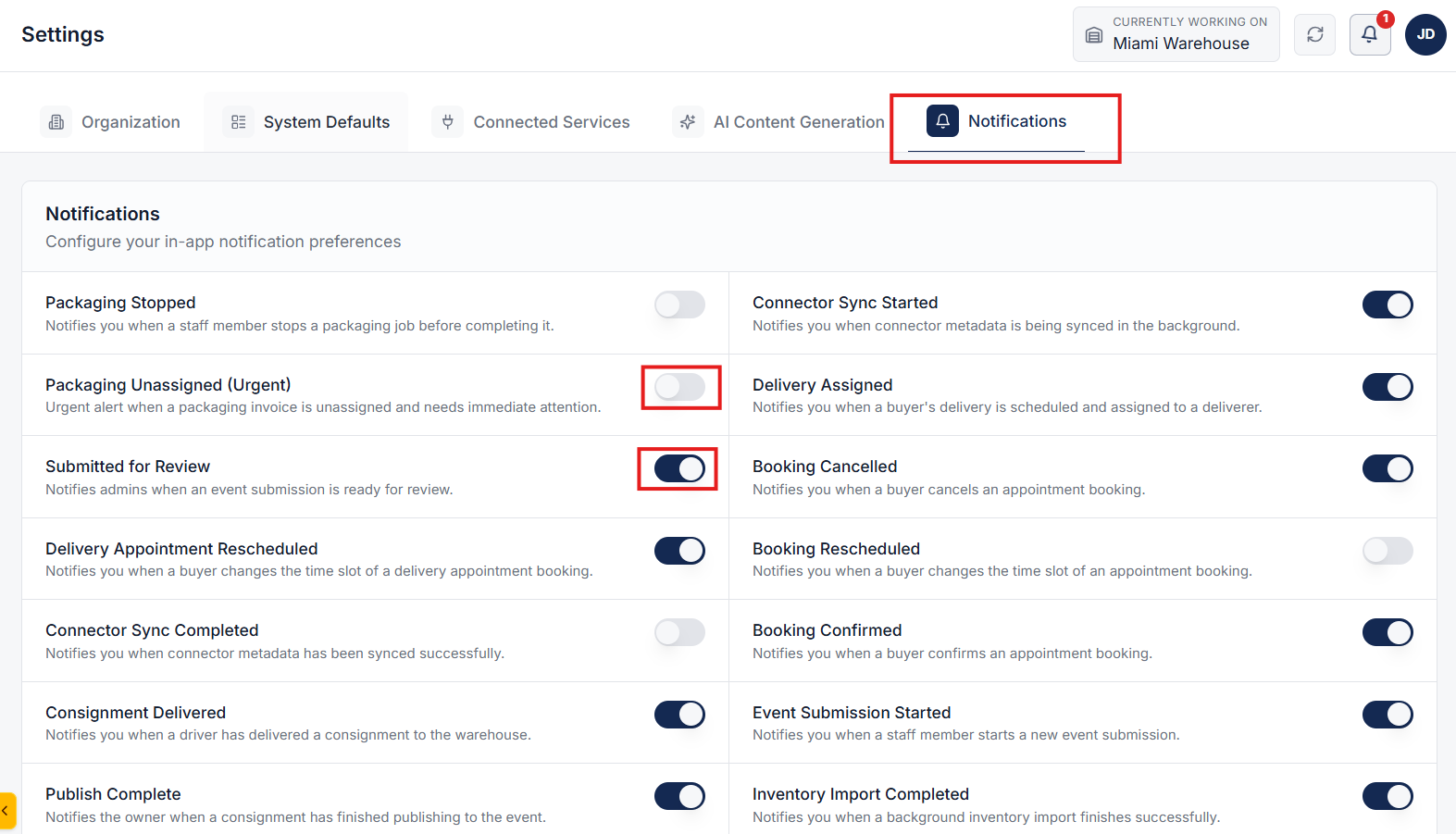
On the notification settings page, review the list of available notification types.
Enable the specific notifications you wish to receive for important warehouse events. Only enabled notifications will be processed and sent by the system.
Any notification type that is toggled off or disabled will be strictly suppressed.
The system will not push or dispatch any alerts for disabled event triggers, keeping your alert log clutter-free.
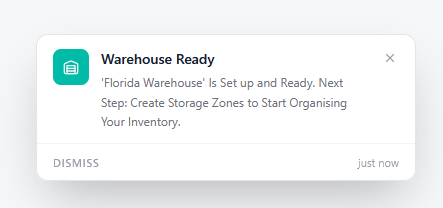
The system supports delivery via Simple Notifications (in-app alerts) and Mobile Push Notifications, ensuring fast and direct notifications on your active devices.
Clear answers on how this feature integrates into your daily liquidation workflow.
Go to Administration, then Settings, and open the Notifications tab. Enable the events you want. LiquidationRoute sends those as in-app alerts and mobile push. Disabled events stay silent.
Enabled events go out as simple in-app alerts and mobile push notifications. Use this for warehouse events such as pickup, delivery, and publish status.
Yes. Warehouse managers, receiving staff, and drivers can receive role-specific alerts tailored to the operations they manage.
See the whole flow, from manifest import through grading, lot building, and buyer pickup, in a 30-minute walkthrough.